
Become a Unitward reseller and set up your storefront
As a Unitward reseller you sell domains, hosting, email and SSL under your own brand and at your own prices. We take care of the servers and the systems behind your store; you set the prices and look after your customers.
Before you start
- Your name or business name, and an email address you check often.
- Your logo as a PNG with a transparent background (about 300 × 80 px).
- A starting balance to pay for your customers' orders.
Step 1Open the reseller program page
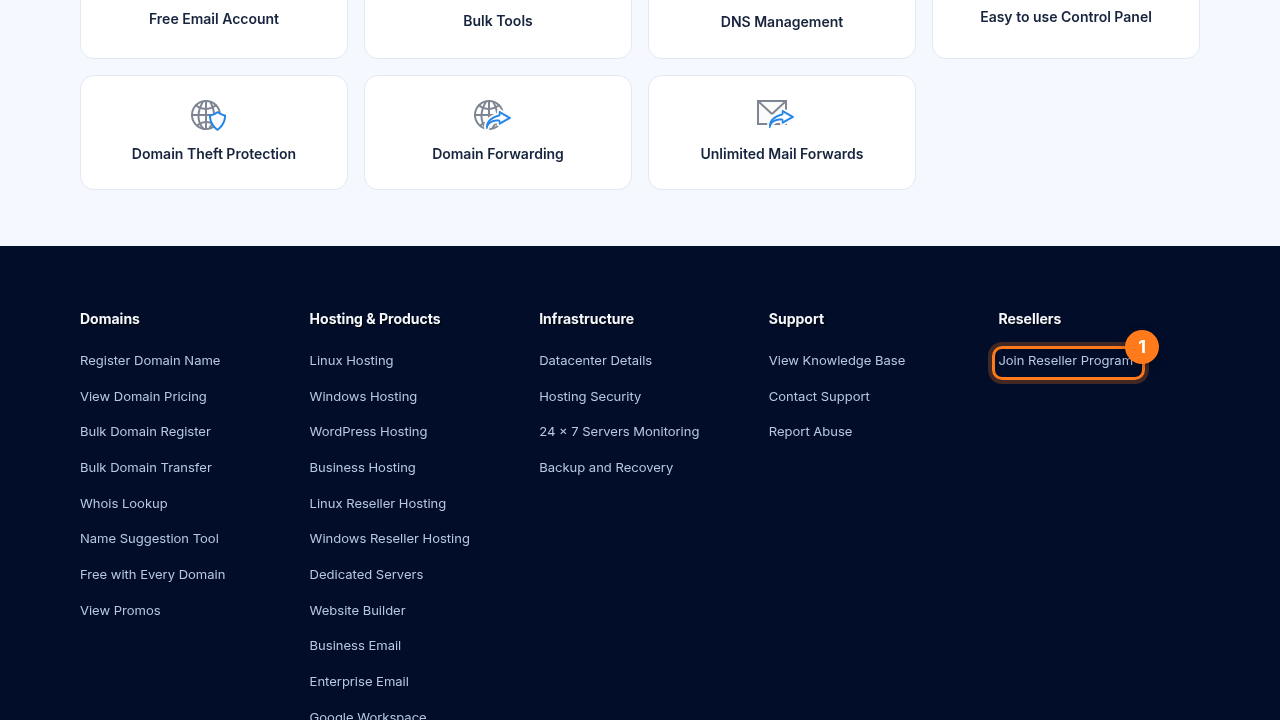
Scroll to the bottom of unitward.com. Under Resellers, click Join Reseller Program (1).
Step 2Fill in the reseller sign-up form
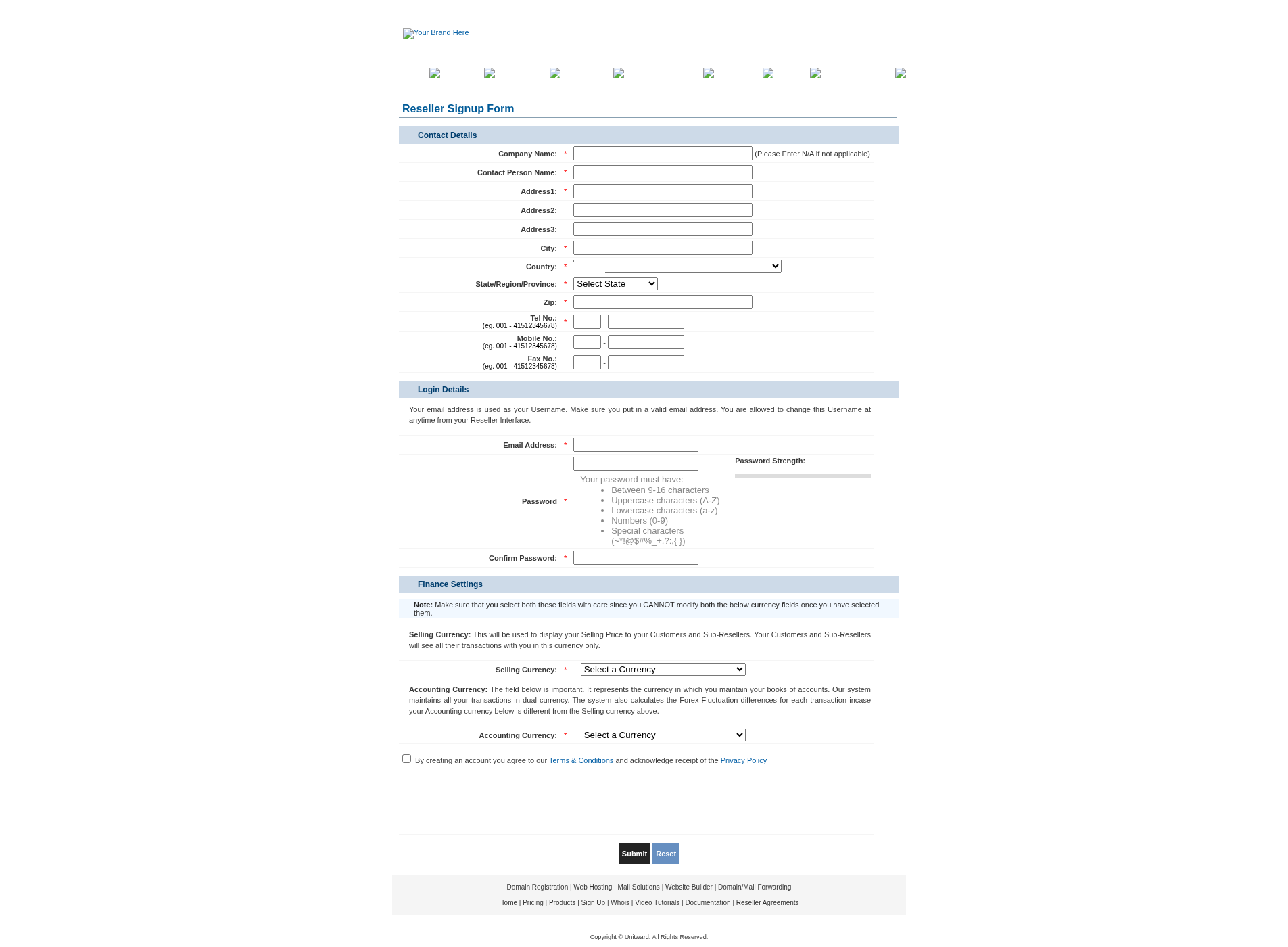
Enter your name, business name, email, address and phone number, then choose a password. Read the agreement and submit the form.
Step 3Wait for your account to be approved
Our team reviews every new reseller account. You'll receive an email as soon as your account is active.
Step 4Sign in to your reseller control panel
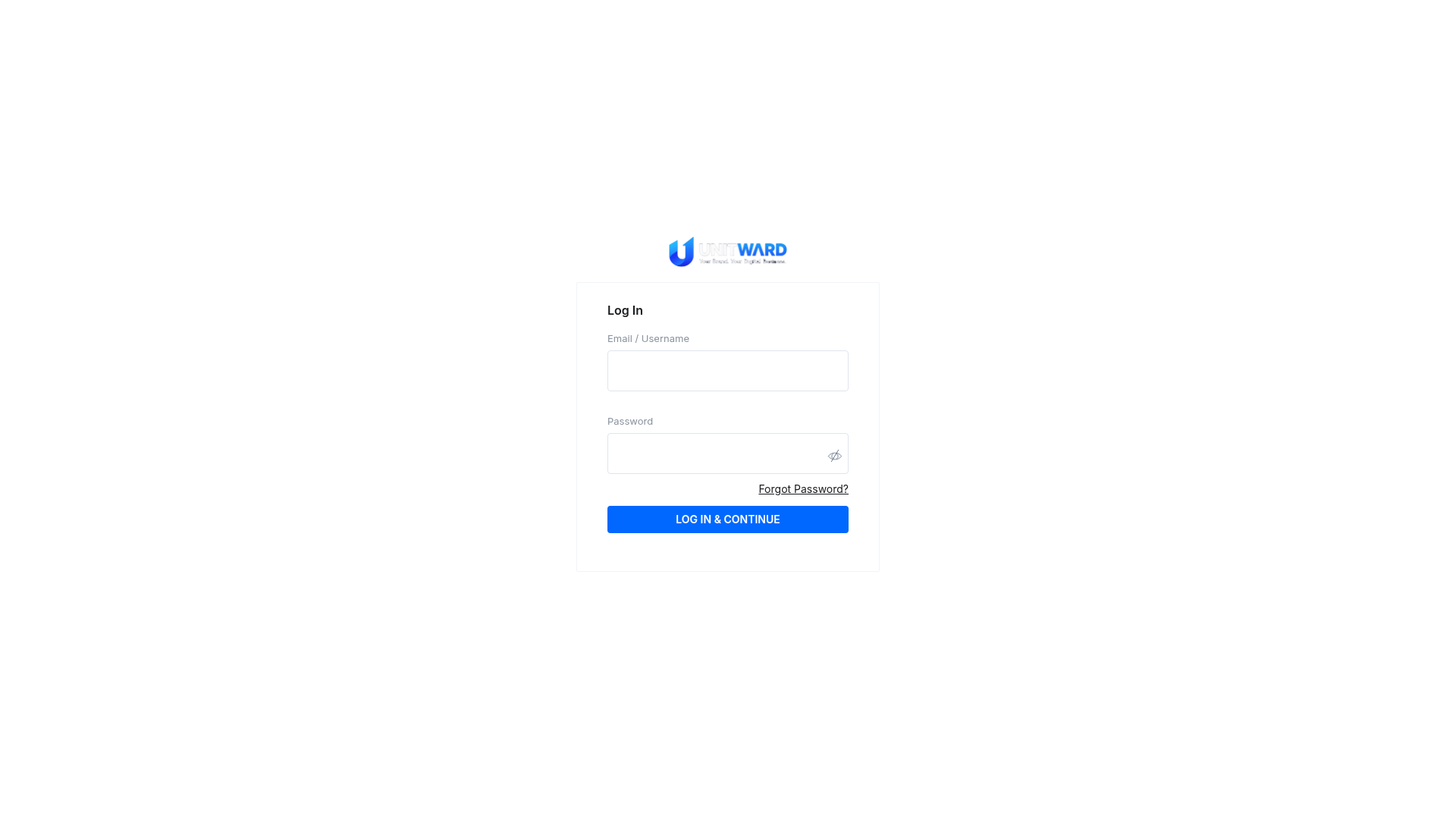
Use the link in your activation email to sign in. Your dashboard is where you manage your balance, prices, customers and store.
Step 5Add funds to your balance
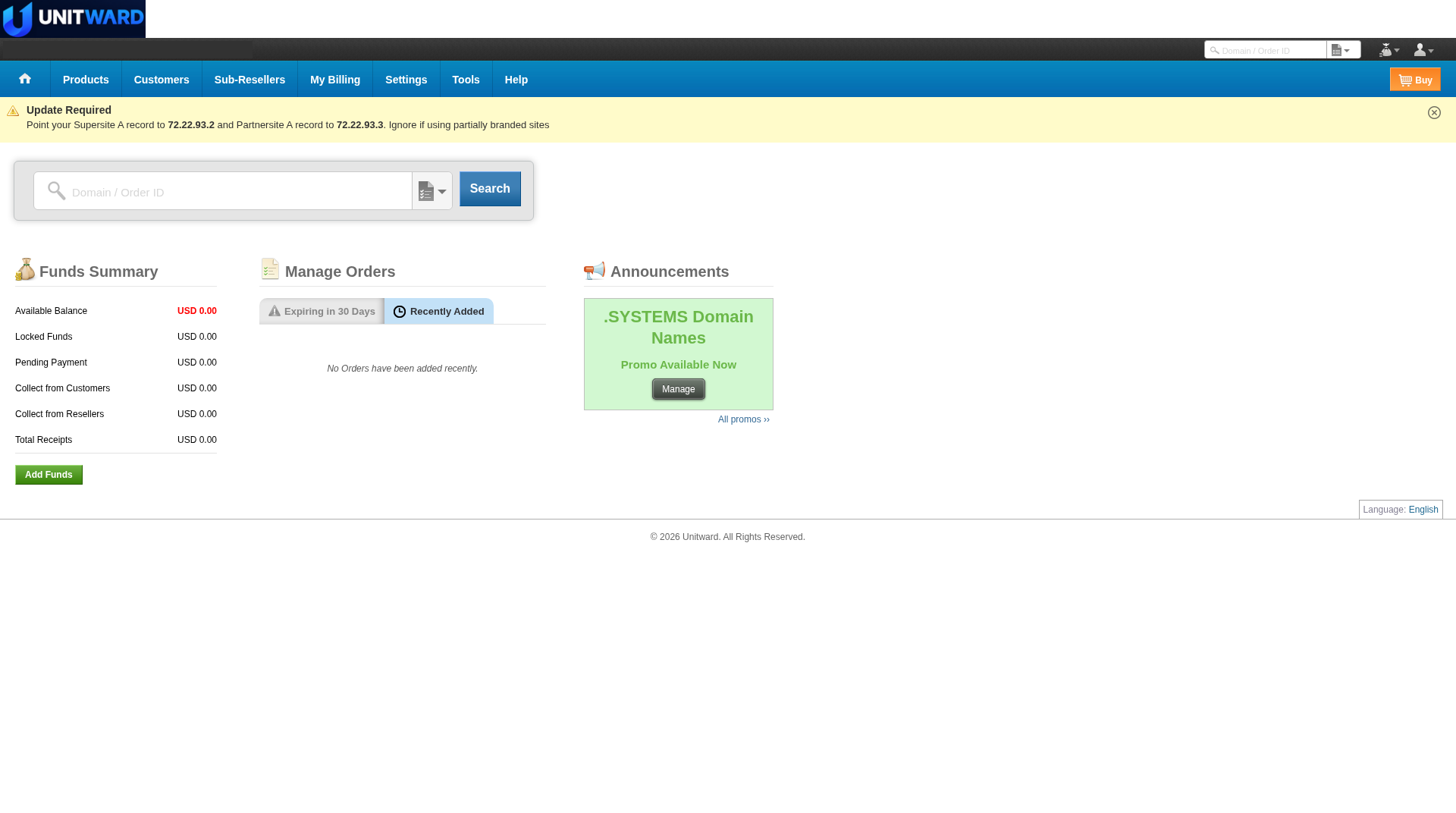
Your store runs on a prepaid balance. When a customer order goes through, the cost of the product is taken from your balance, and the price your customer pays goes to you.
See the detailed guide Add funds to your reseller balance for where to start. Payment options can vary. If Add Funds is unavailable, write to [email protected].
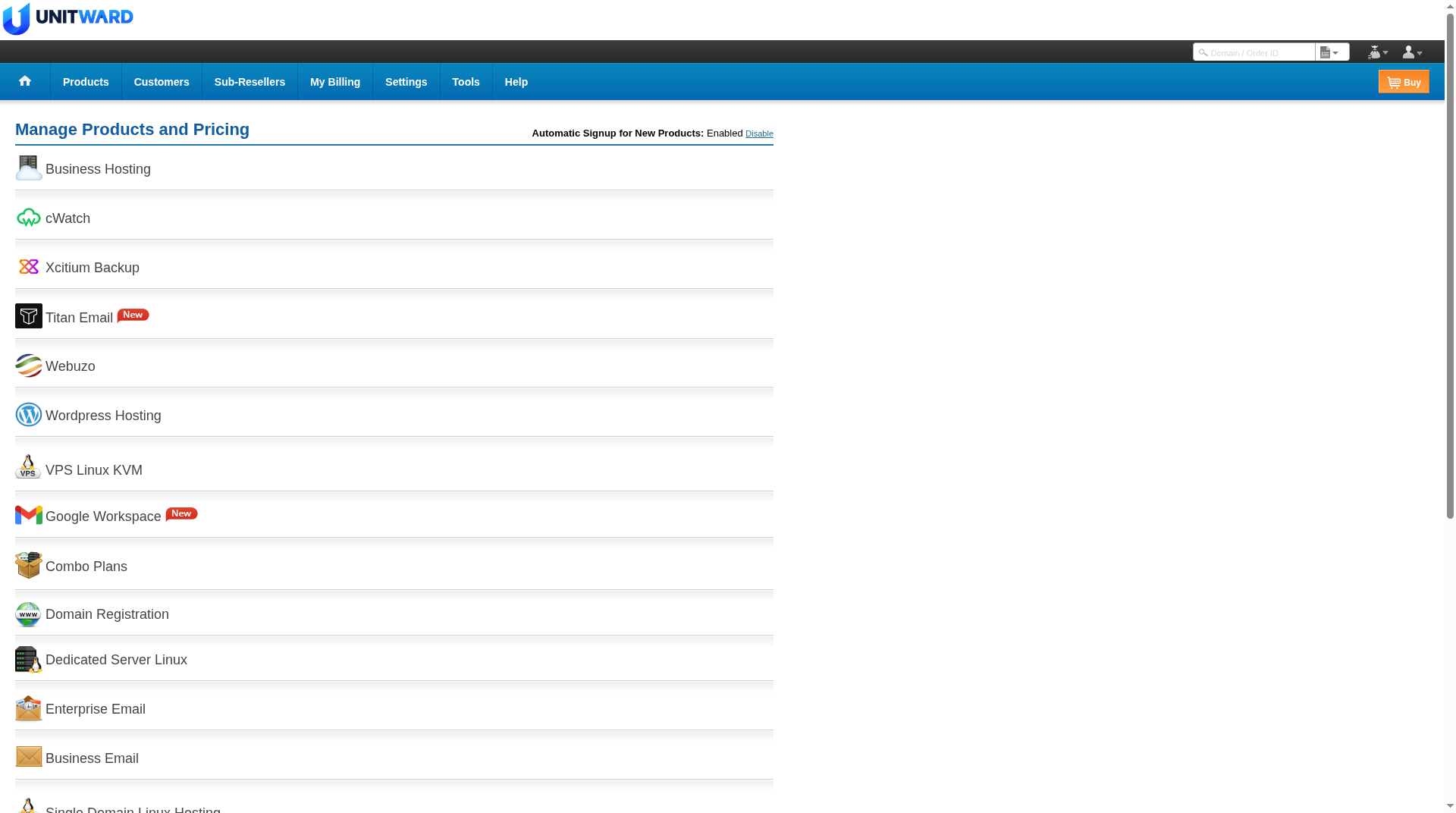
Step 6Set your selling prices
For each product, set the price your customers will see. The difference between your cost and your selling price is your profit.
Example: if a domain costs you $12 and you sell it for $15, you earn $3 on every sale.
See the detailed guide Set your selling prices and profit margin.
Step 7Brand your storefront
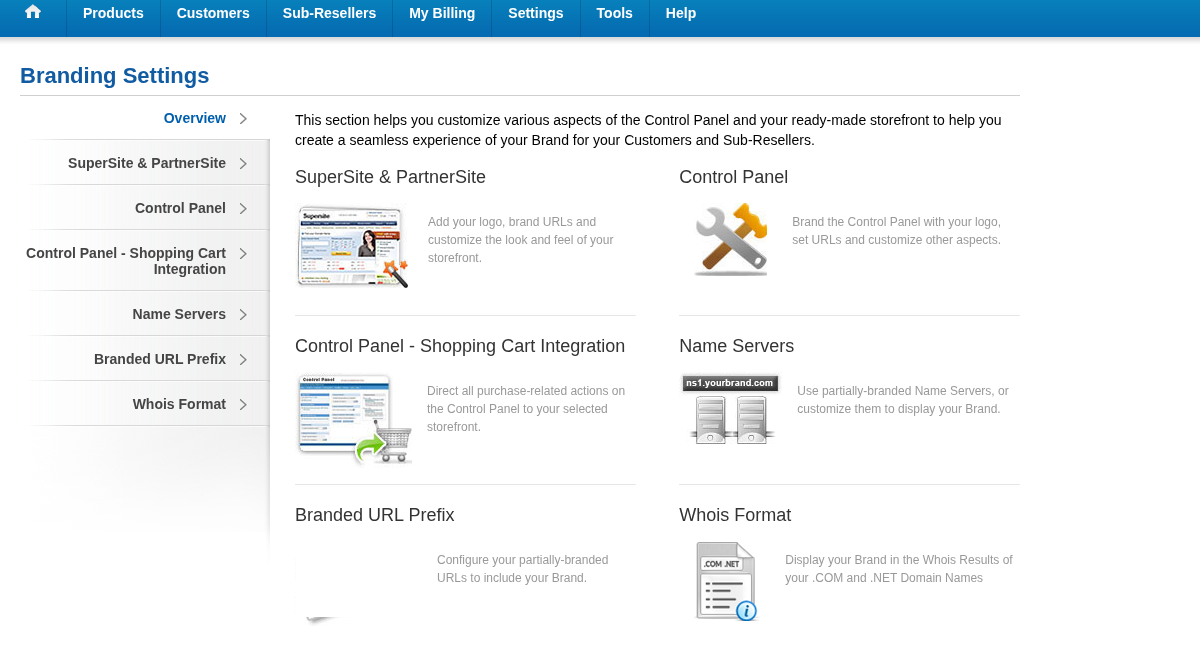
Upload your logo and set your store and panel branding in Settings > Branding Settings. You can start with a temporary address and connect your own domain later.
See the detailed guide Set up your store with your brand and domain. If a branding or store screen does not open, write to [email protected].
Step 8Choose your store's language
Your store can show English, Arabic or both. To open your store in Arabic, write to [email protected] and we'll help you turn it on.
Step 9Check your store and start selling
When your store is online, open it in a private browser window on your phone and your computer. Check your logo, prices and language, then share your store link with your customers.
If the store is not ready yet, see Set up your store with your brand and domain or write to [email protected].
✅ Your reseller account is set up
Next, follow the detailed guides for funds, branding, prices and customer orders. If a store or payment screen is not ready yet, write to [email protected].